Connect Google Analytics with Payrexx using a tracking ID. This helps you analyzing the traffic on your payment pages and gain valuable information from your customer’s purchasing behavior.
Payrexx transmits transaction ID, total amount and currency. No other data is shared.
Setup
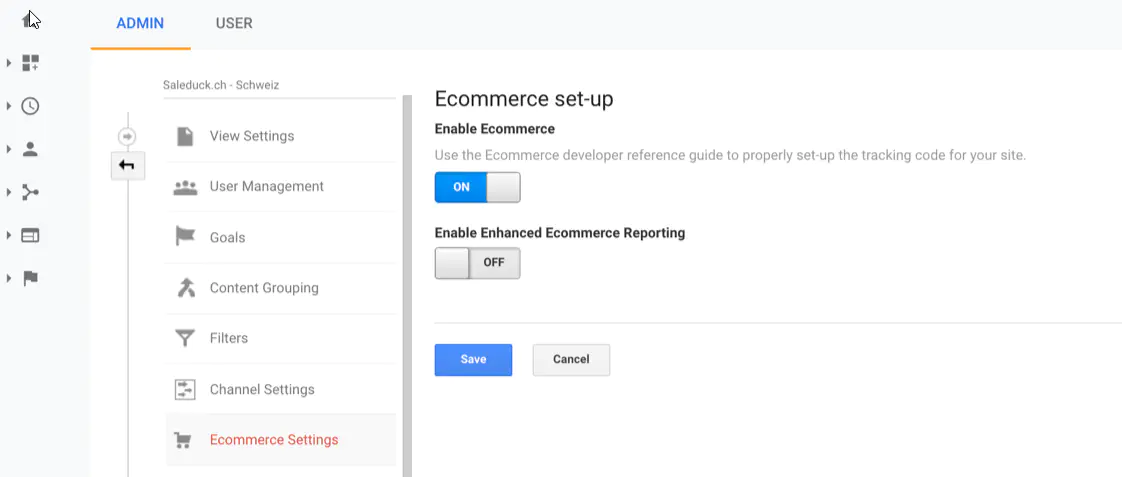
The connection currently works with the E-Commerce Integration from Google and uses the UA tracking ID. Therefore, it’s important that the e-commerce setting in your Google Analytics account is turned on.
Find this under Admin > Ecommerce Settings.
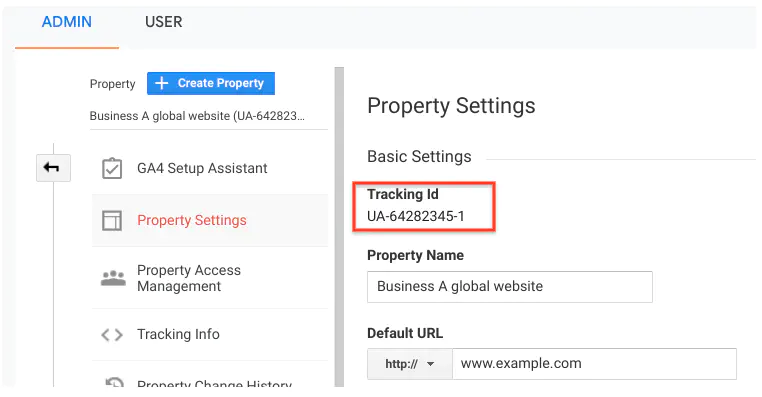
Your tracking code can be found in your Google Analytics account under Administration > Property Settings > Tracking ID.
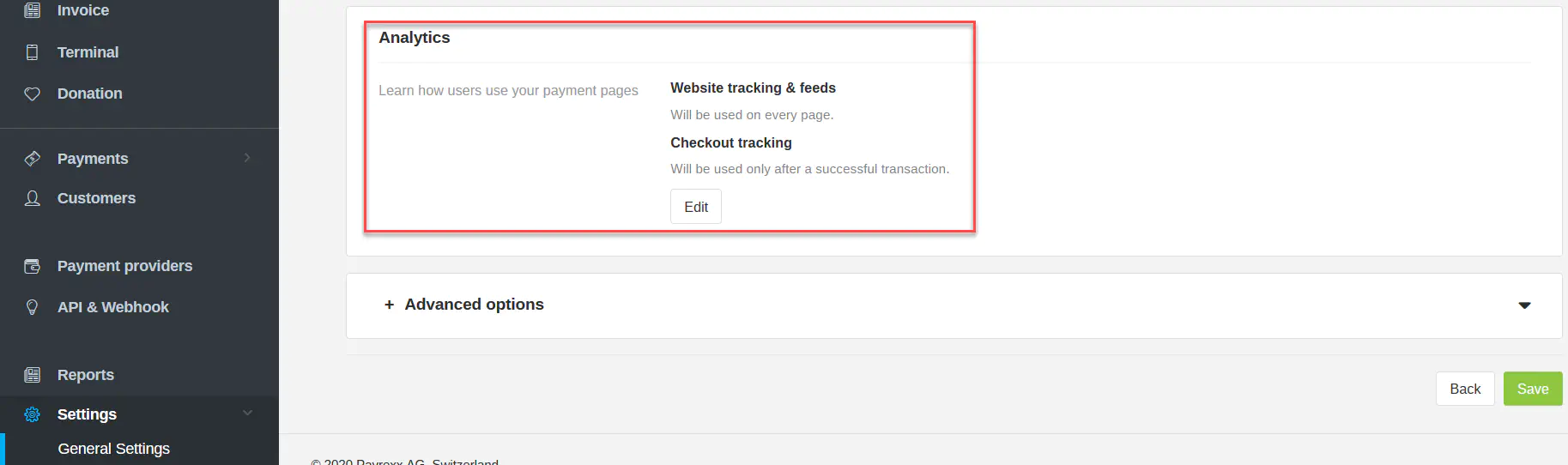
Copy and paste it into your Payrexx account under Settings > General Settings > Analytics in the field Google Analytics ID.
Tracking Options
There are two options of tracking. Website and Checkout tracking.
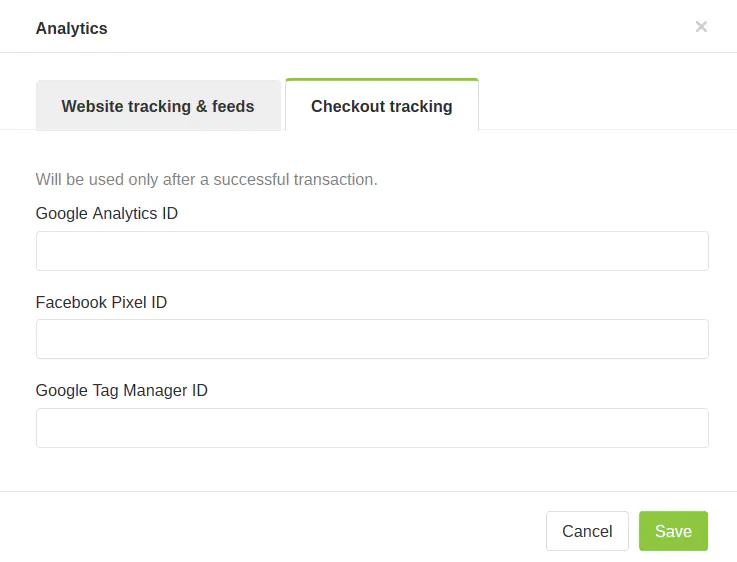
Website Tracking: A Google Analytics event is triggered on every visit of your buyers.
Checkout Tracking: Data transmition only takes place on successful payments after the buyer returns to the result page.