Payrexx Payment Gateway Plugin for Gambio allows you to integrate your Gambio shop easily with Payrexx Payment system.
Links
Integration
Installation
- Download the plugin.
- Extract the zip file.
- Copy the extracted file and paste it into the root directory.
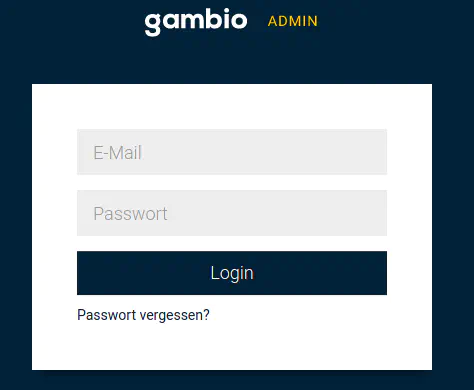
- Log into the Gambio admin panel.
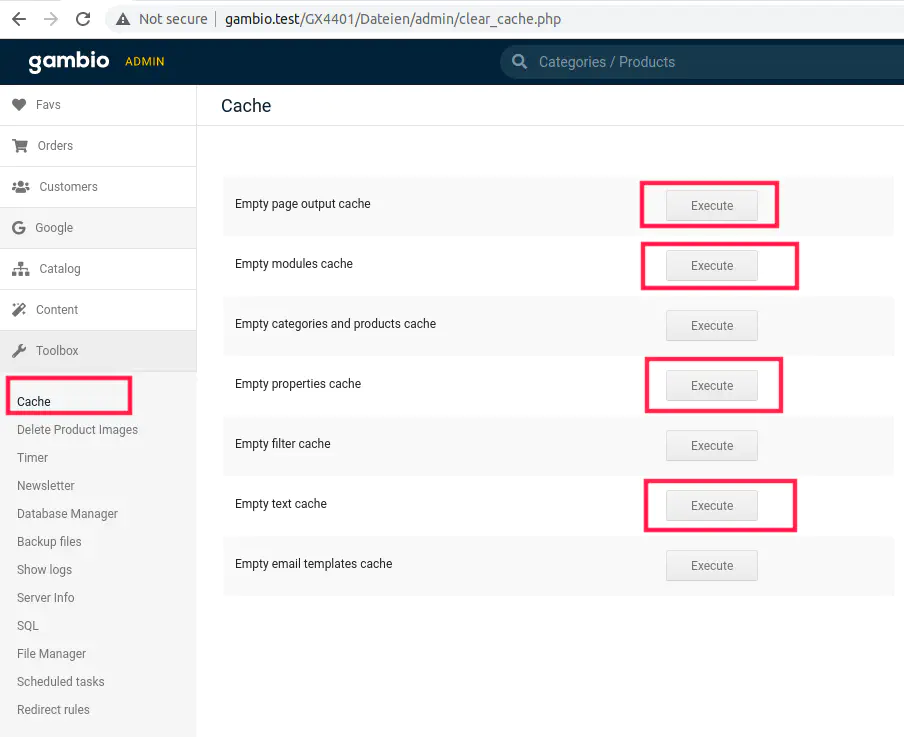
- Clear the cache.
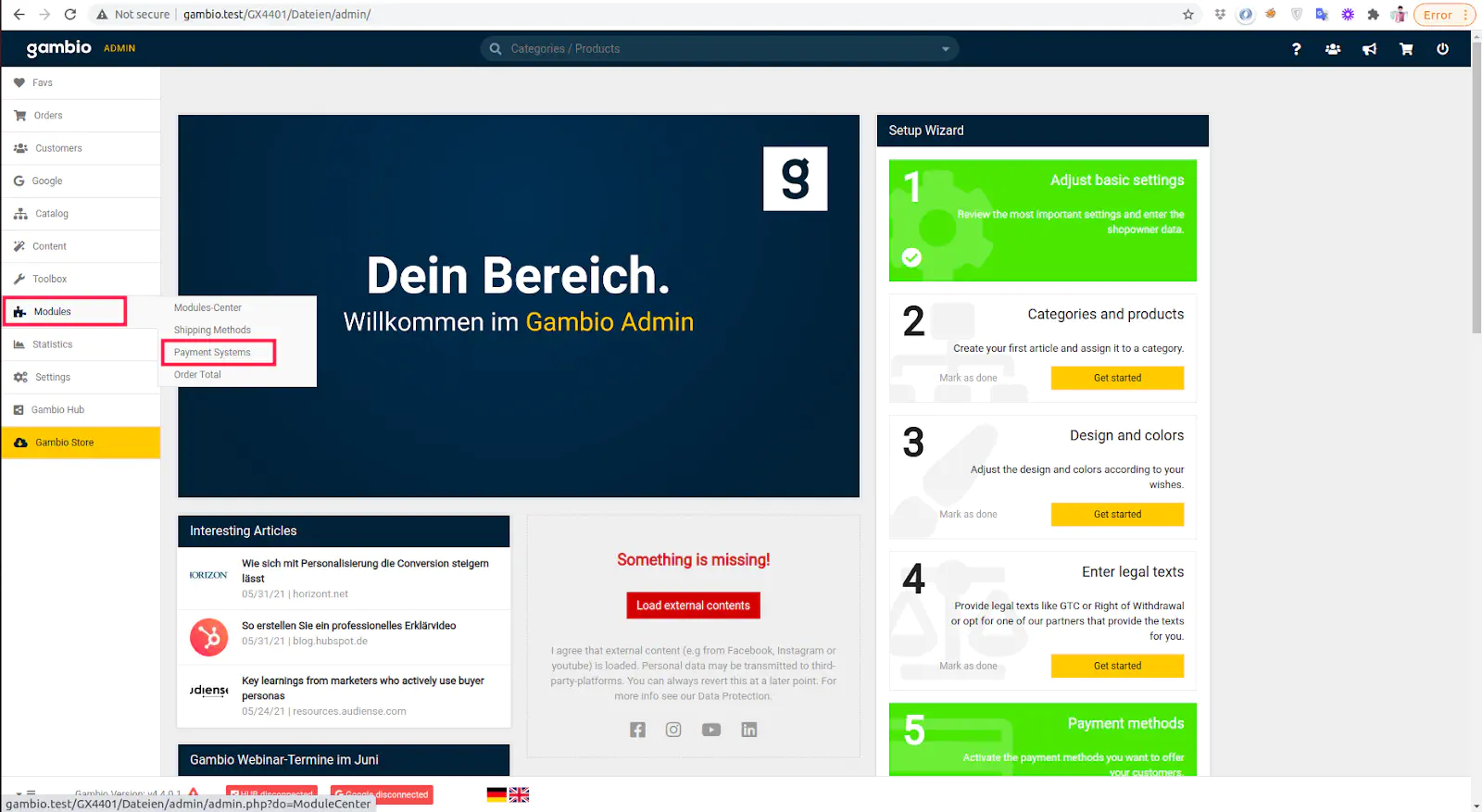
- Click on “Modules > Payment Systems”.
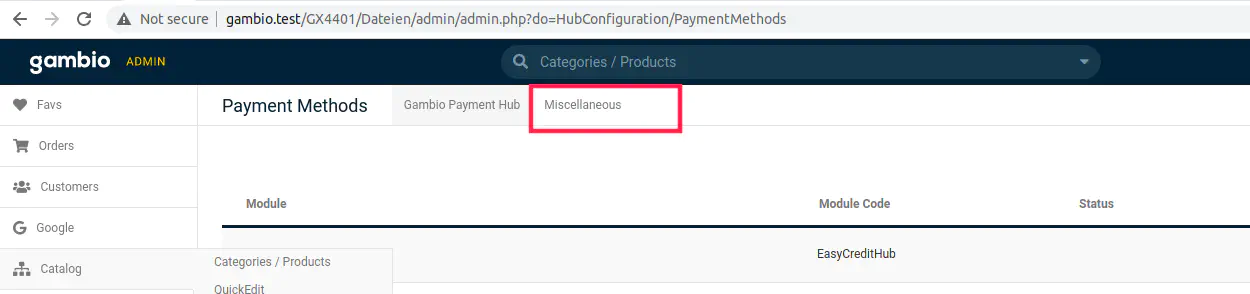
- Click on the tab “Miscellaneous”.
- Look for the “Payrexx Payment Gateway” module and click on it.
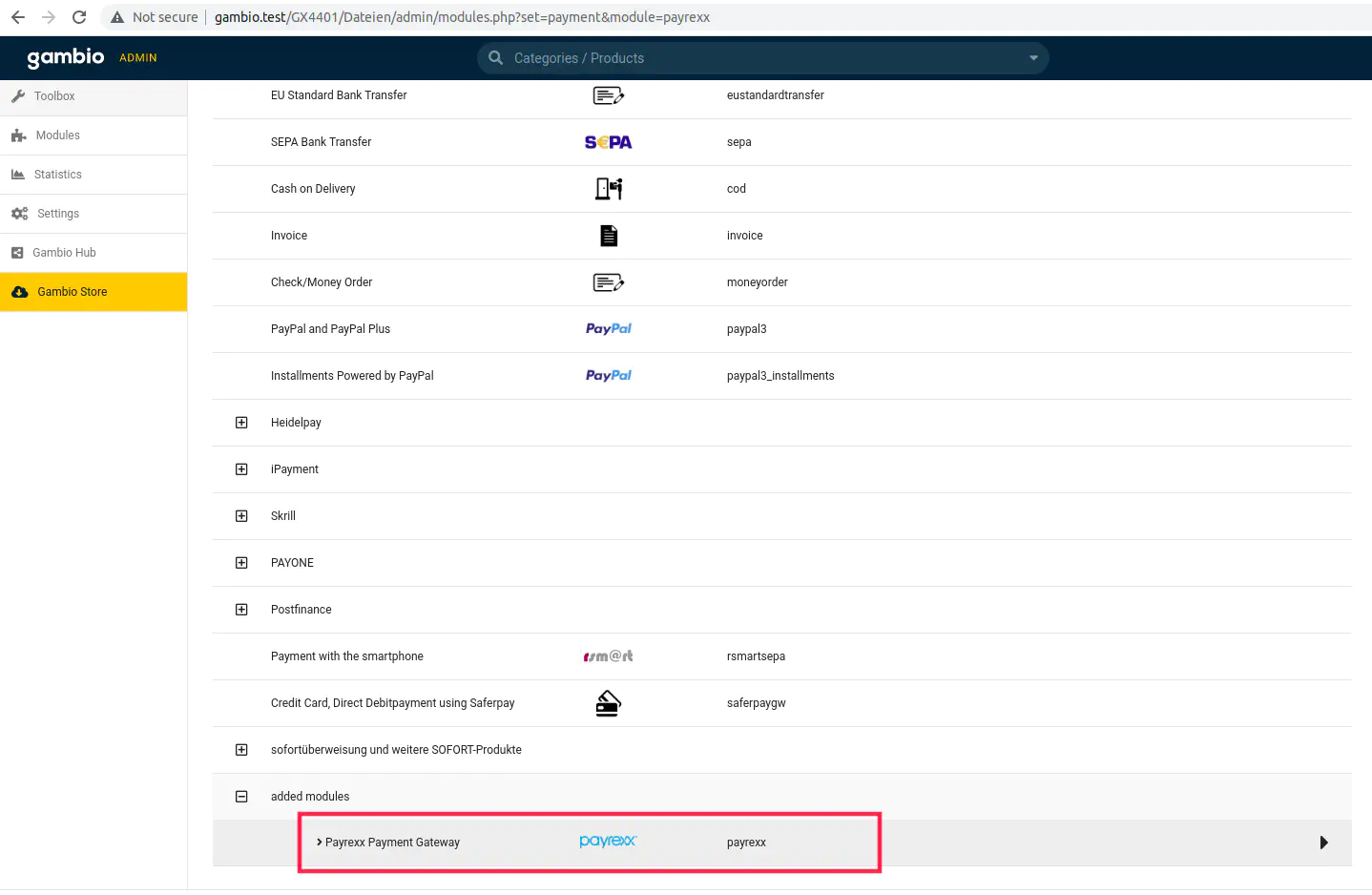
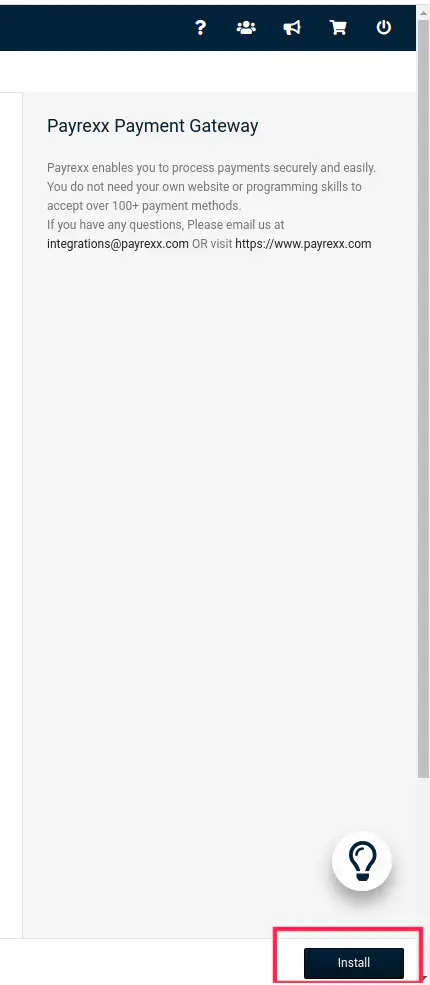
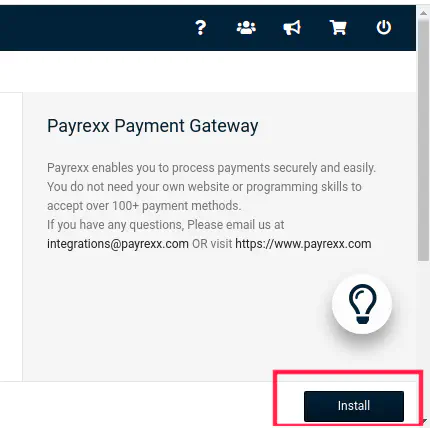
- Install the module.
Configuration - Gambio
- Click on “Edit”.
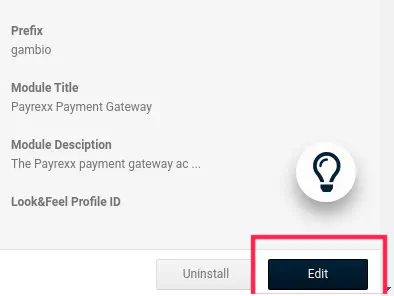
- Toggle the switch of the image to be enabled.
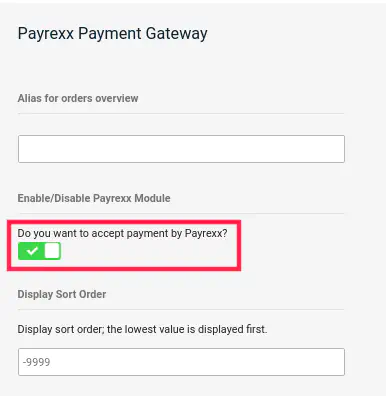
- Perform these actions:
- Insert your Instance Name.
- Insert your API Key.
- Enable the payment methods as per your requirement.
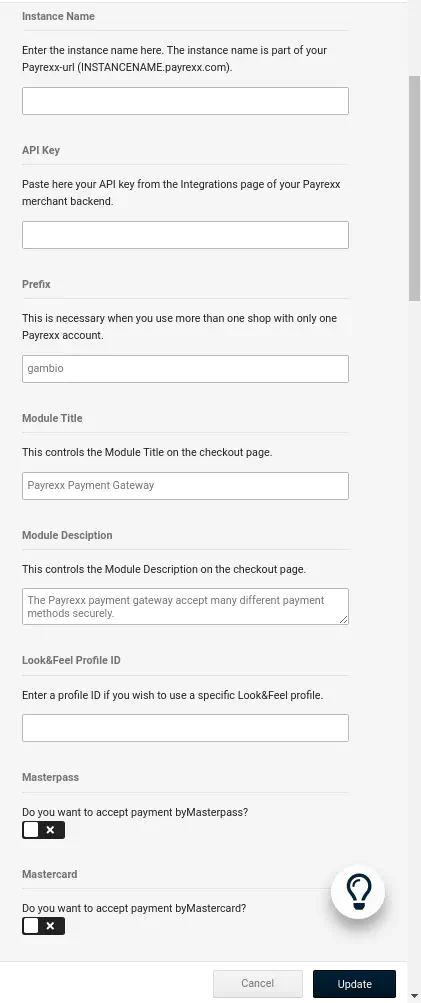
- Click on the “Update” button to save your changes.