General
Links
- Link to Login Form of the given payment provider
- Link to the marketing website of the payment provider
Features
Payment Types
- ✅ One Time Payment
- ❌ Refund
- ❌ Partial Refund
- ✅ Recurring Payments (Subscription)
- ❌ Tokenization
- ❌ Pre-Authorization
Payment Methods
- Visa
- Mastercard
- Paysafe Card
Setup
Configuration - Worldpay
Registration
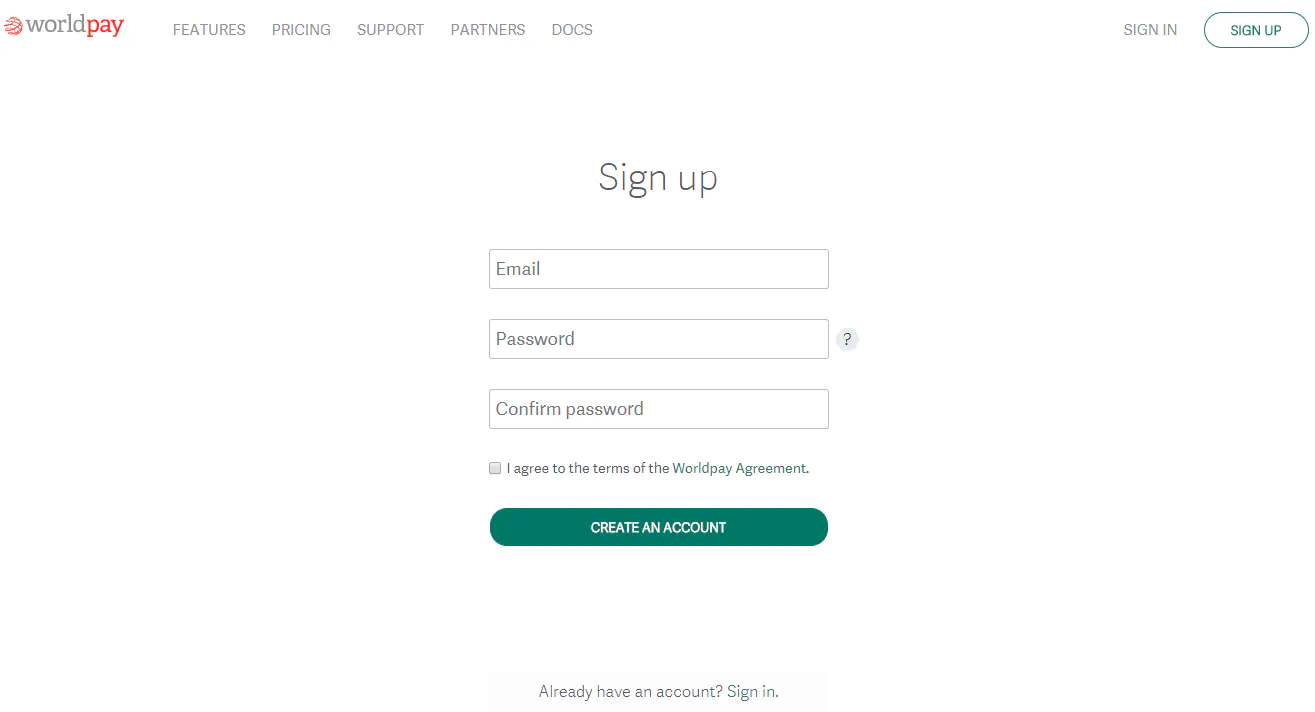
1) Create a Worldpay account. If an account already exists, simply log in.
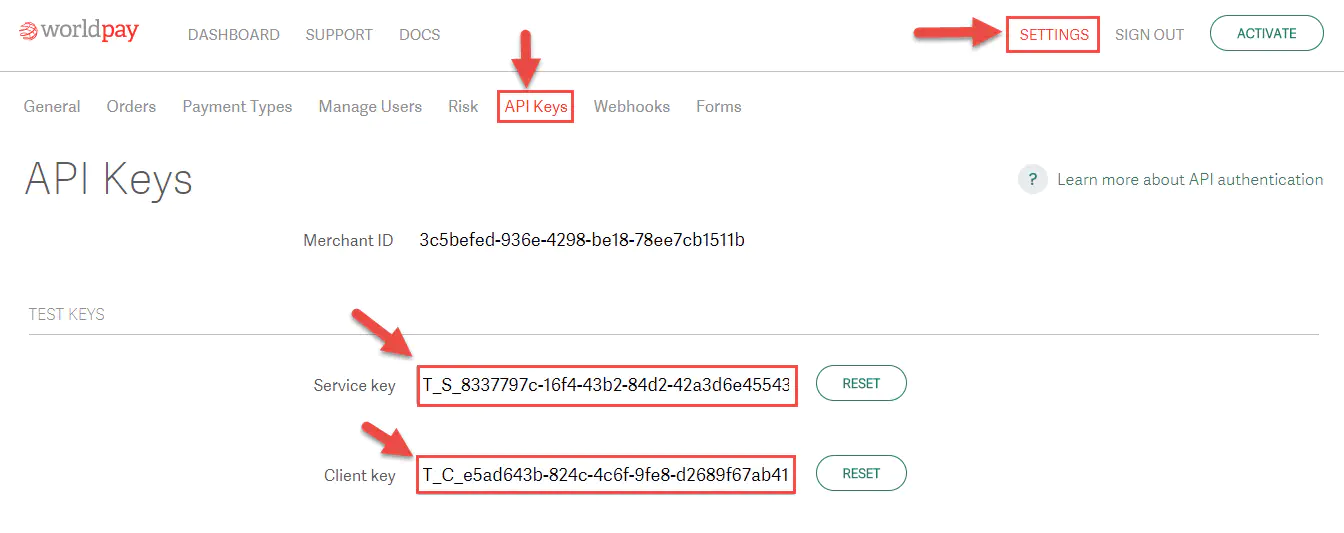
2) Copy& Paste the API keys by following the steps below (“Settings > API Keys > Service key & Client key”).
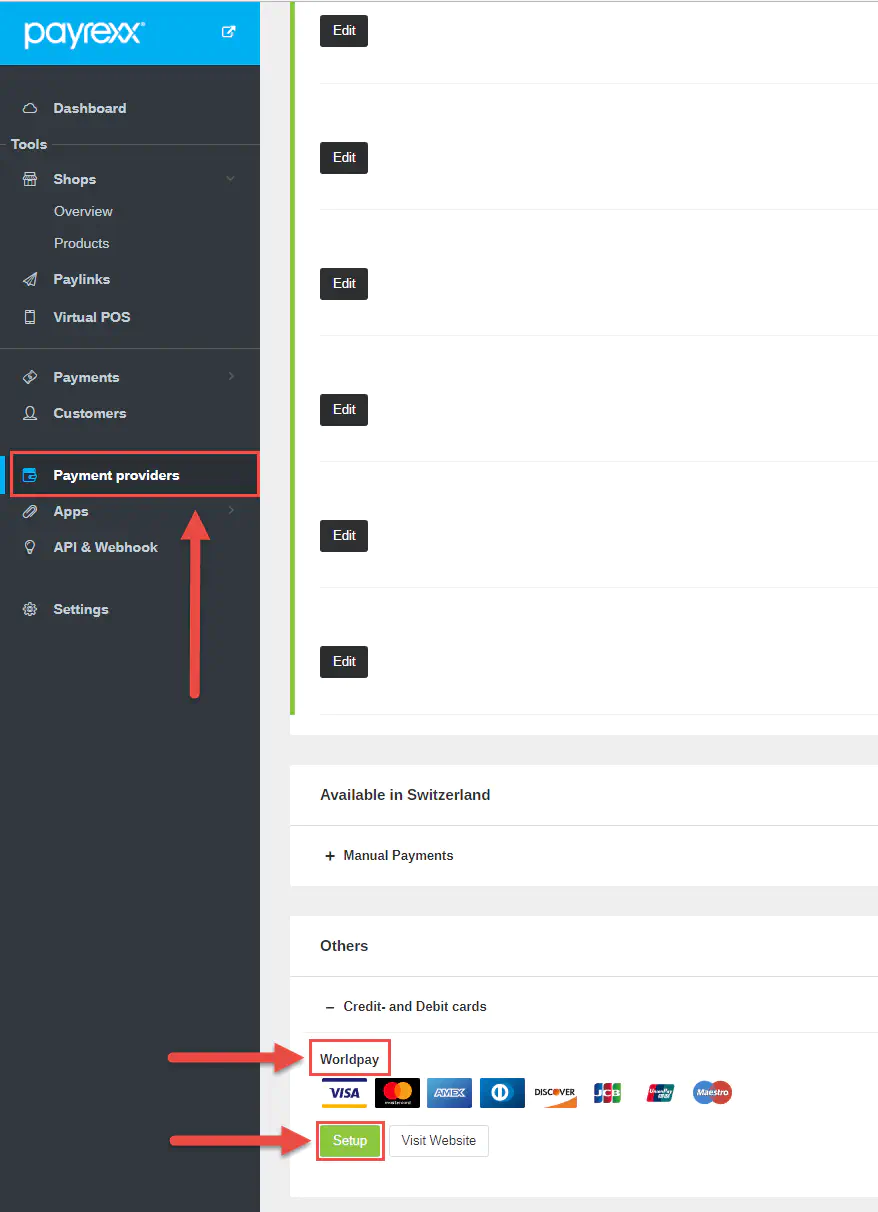
3) Find Worldpay under the tab “Payment provider”. Depending on your country the category will change as well (“Others” or “Available in Your Country”).
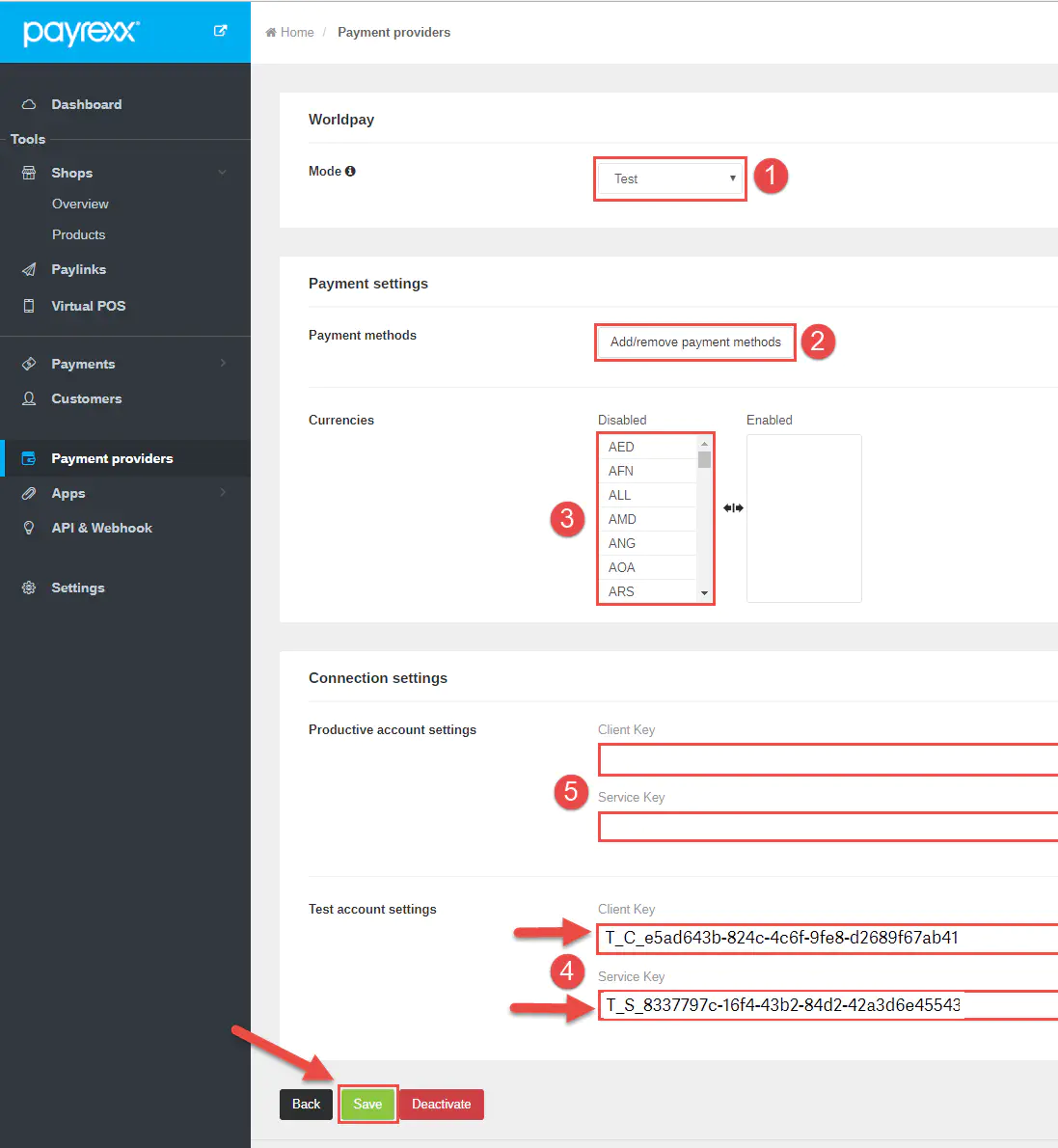
4) [4] Paste the “Client Key” and the “Service Key” from your Worldpay to your Payrexx account. [1] Switch between test and live mode. [2] Add or remove payment methods. [3] Add or remove currencies. [5] Paste live API keys from your Worldpay account. This can be done once Worldpay approved your application and enabled the “Live or Productive” API keys for you. Always remember to click save after updating the settings.
5) You can start using the Worldpay and Payrexx solution.