Log in to the PointsPay backend using the following link: https://onpayment.loylogic.net
2. Create a shop.
3. Configure the shop as in the following picture:
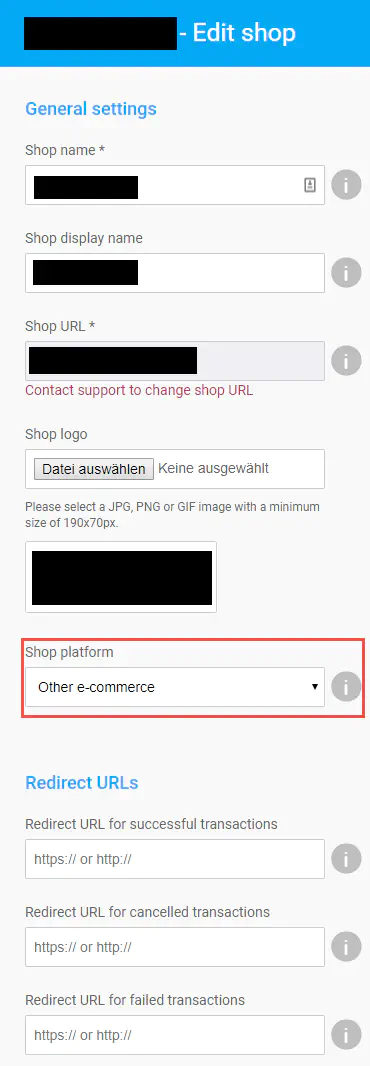
All other settings can be made arbitrarily. The “Redirect URLs” fields should stay empty.
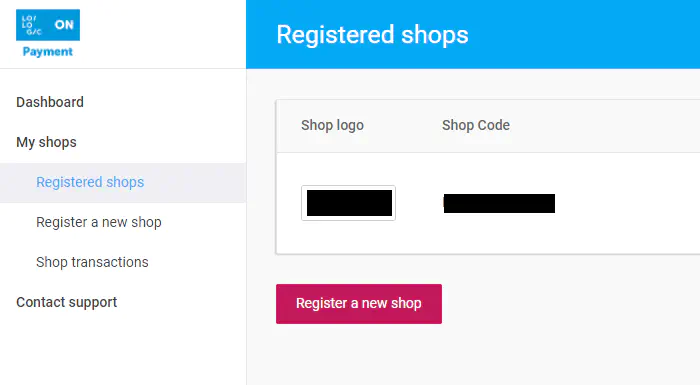
4. Take over the shop code as the first setting parameter in Payrexx:
5. Ask PointsPay’s Support for an access token if you did not receive one yet.
6. Insert the Access Token as the second setting parameter in Payrexx.