Samsung Pay can be activated for merchants from Switzerland via Payrexx Swiss Collecting. Merchants outside Switzerland can activate Samsung Pay via the external payment provider - Clearhaus Acquiring.
For more information about Samsung Pay and instructions on the Samsung Pay app, visit the official website:
https://www.samsung.com/ca/apps/samsung-pay/
This is how the payment process works in a webshop with Samsung Pay.
Follow these steps to make a payment with Samsung Pay:
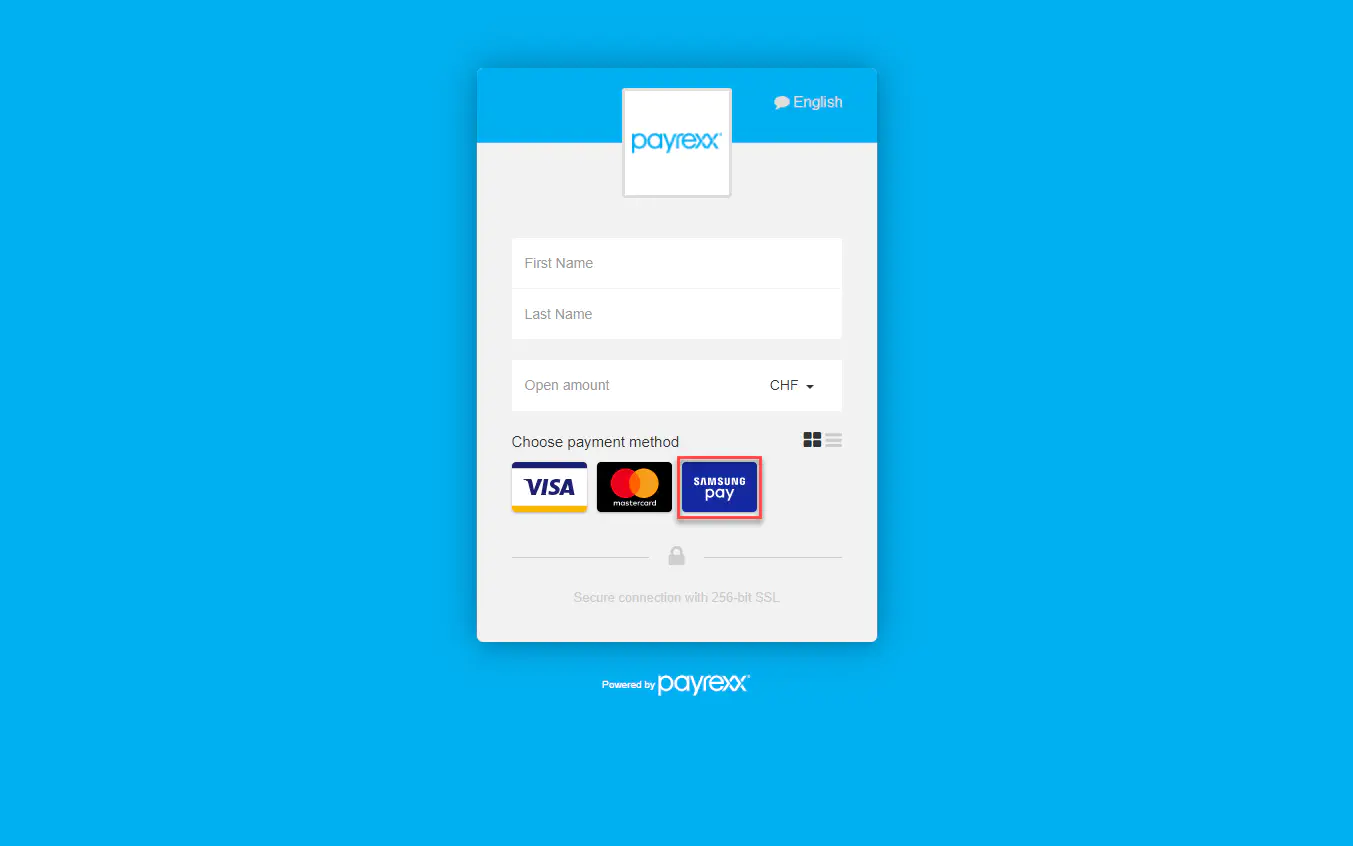
Once the checkout window opens, you can select Samsung Pay as your payment method and follow the next steps.
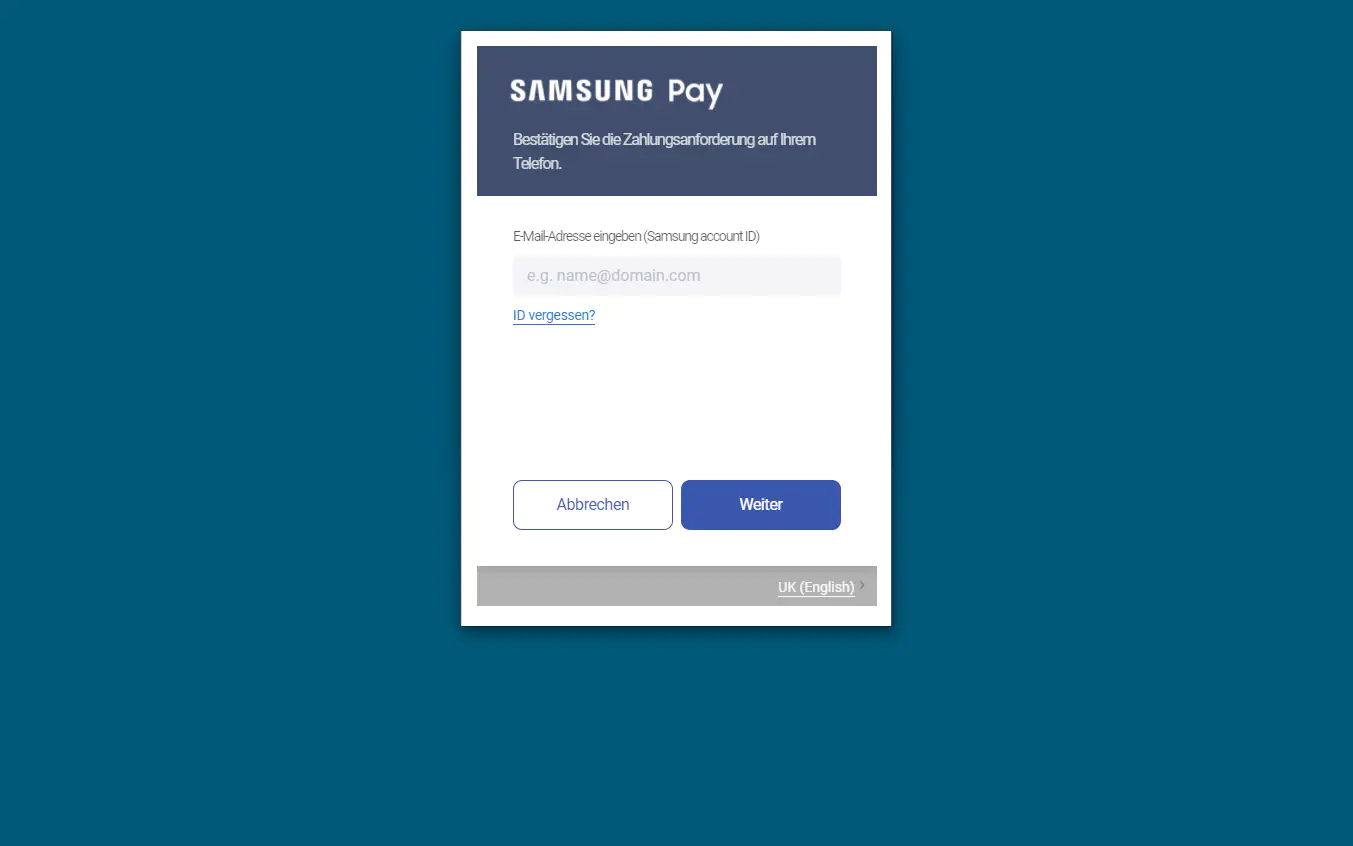
Enter the e-mail address of your Samsung account.
Now you have 5 minutes to confirm the payment via your Samsung smartphone.
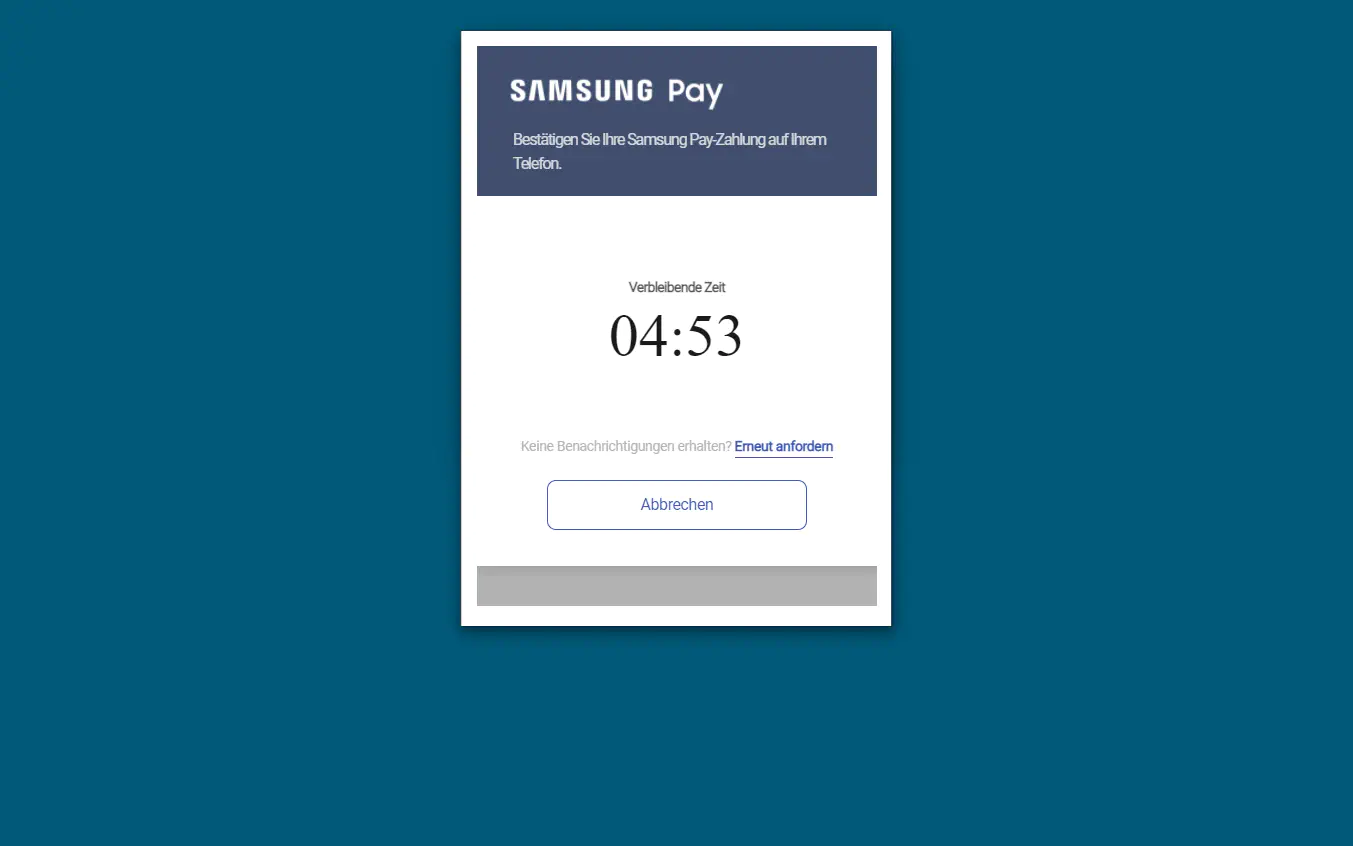
Next, you have to authorise the device via your Samsung Pay app in order to confirm the payment.
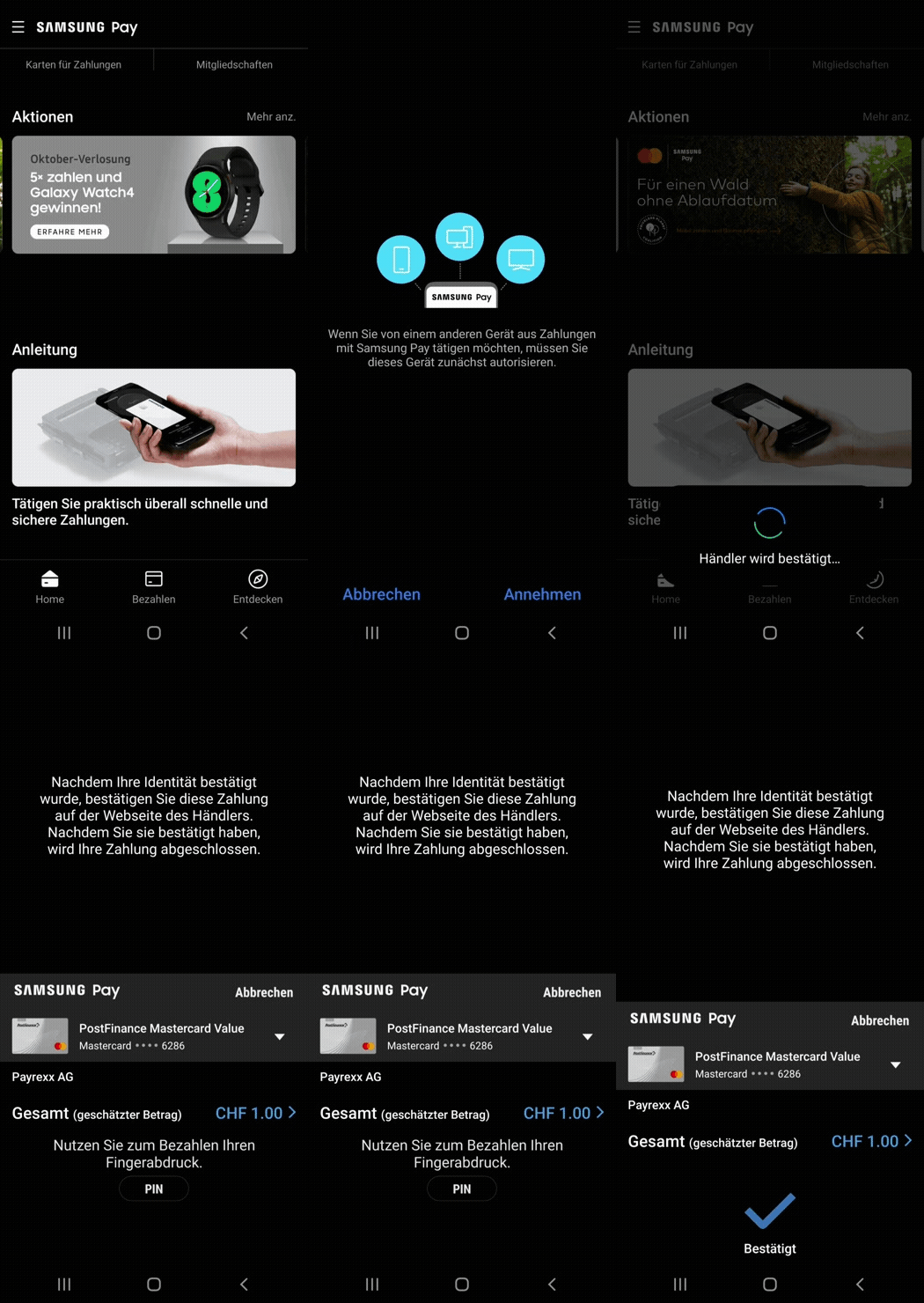
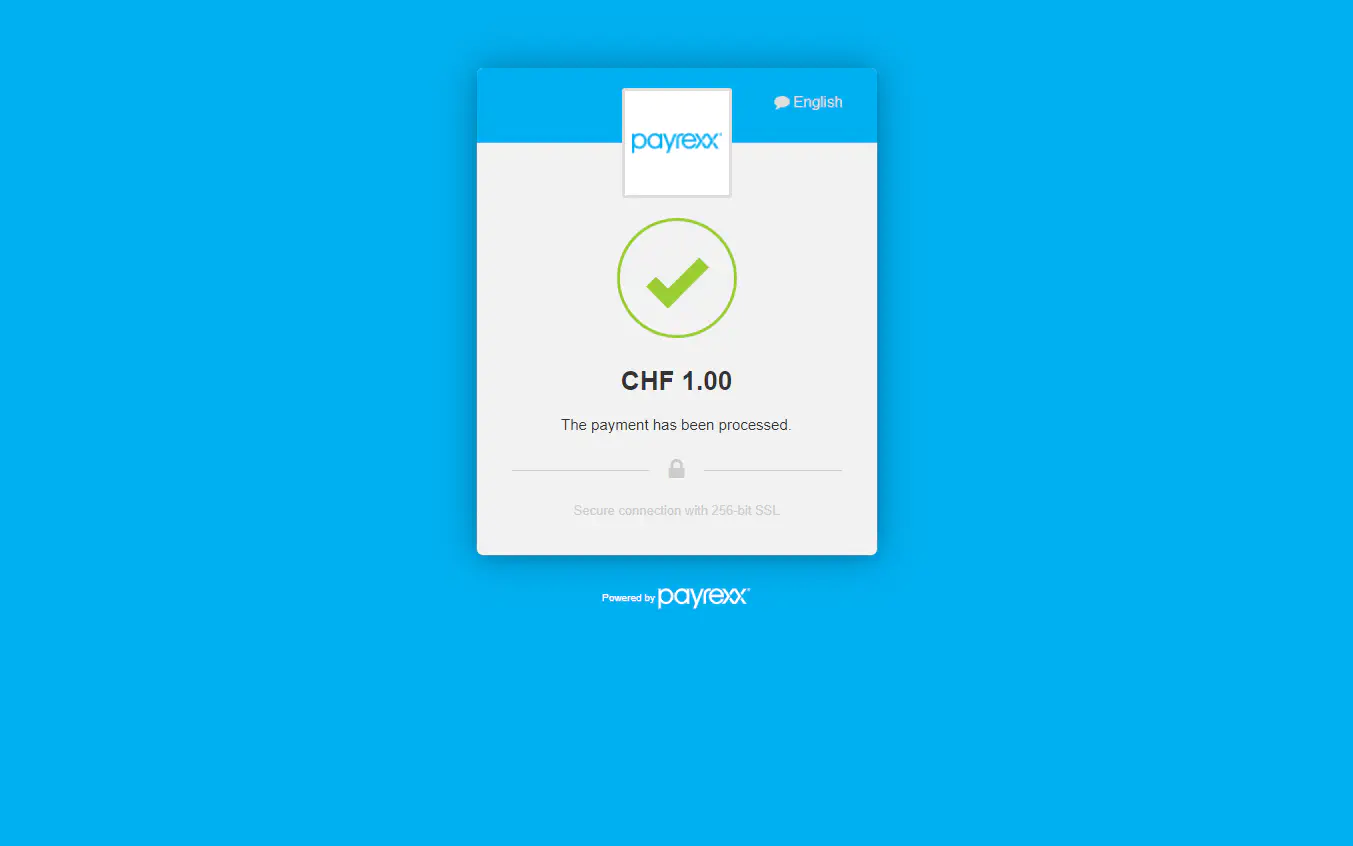
The payment should have been successful and you will receive a payment confirmation in your checkout window.